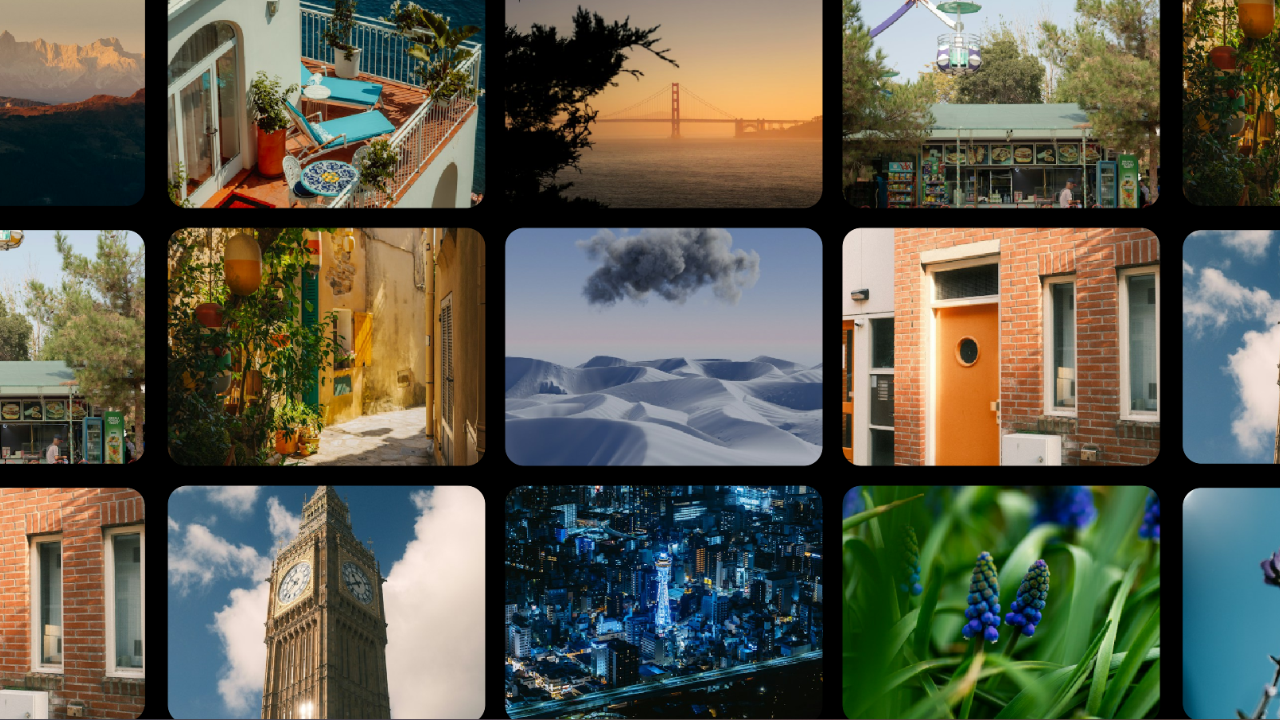
Diving into Shaders: Building an Infinite Grid Gallery with GLSL
13/10/2026
|
Experiments
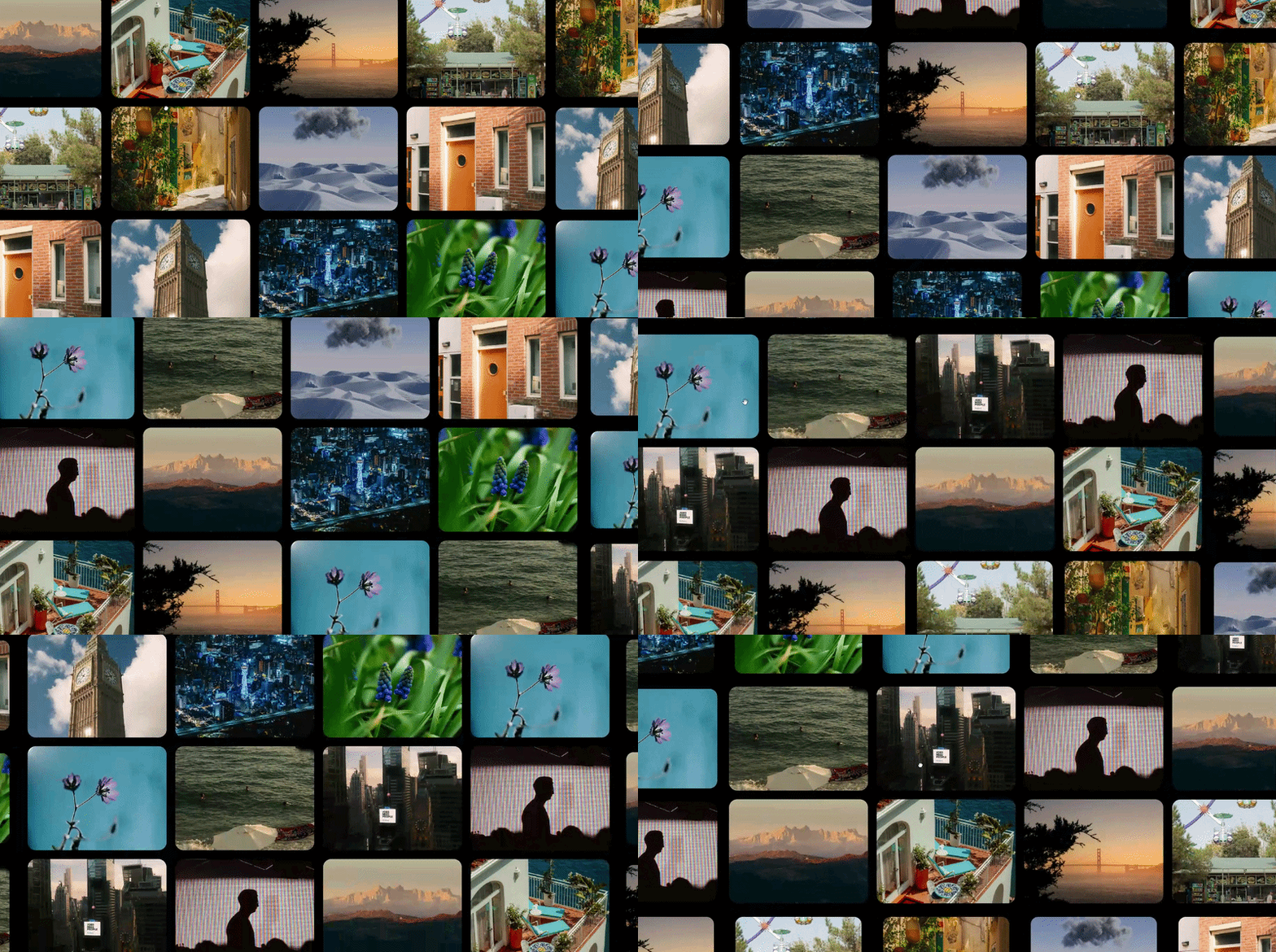
Following on from the earlier shader experiments, this one’s a proper build rather than a small effect: a full-screen, drag-to-pan image gallery that loops forever in every direction. The interesting part isn’t JavaScript repositioning tiles as they leave the screen, it’s a single line in the vertex shader doing all the wrapping on the GPU.
You can view a demo here: Infinity Grid Demo
Setting up a pixel-space camera
Built with SvelteKit and OGL again rather than Three.js, same reasoning as before: lighter weight, closer to a Shadertoy-style setup. The camera here is orthographic rather than perspective, and deliberately set up so world units equal CSS pixels, with the origin at the centre of the screen. That makes every bit of the layout maths trivial: a tile sized 400×300 is genuinely 400×300 pixels, not some arbitrary unit that needs converting back and forth.
Laying out the grid
35 tiles (7 columns by 5 rows) sit on a pitch of 424×324, which leaves a 24px gutter between each one. All 35 share one plane geometry, but each gets its own program since each needs its own texture and position. The key number here is the period, the total width and height of the whole grid (2968×1620), since that’s the distance after which the pattern has to repeat seamlessly.
const pitchX = 424;
const pitchY = 324;
const tileW = 400;
const tileH = 300;
const cols = 7;
const rows = 5;

const offsetX = (cols - 1) / 2;
const offsetY = (rows - 1) / 2;
const periodX = cols * pitchX;
const periodY = rows * pitchY;

const geometry = new Plane(gl, {width: tileW, height: tileH});

const tiles = [];

const offset = { value: new Vec2(0, 0) }
const half = { value: new Vec2(0, 0) };

// Looping Rows
for (let row = 0; row < rows; row++ ) {
    // Looping Cols
    for (let col = 0; col < cols; col++) {
        const x = (col - offsetX) * pitchX;
        const y = (offsetY - row) * pitchY;
        const t = (row * cols + col) / (rows * cols - 1);

        const imageIndex = (col + row * 3) % 14;

        const texture = new Texture(gl);
        const img = new Image();
        img.src = urls[imageIndex];
        img.onload = () => {
            texture.image = img;
            program.uniforms.uImageAspect.value = img.width / img.height;
        }

        const program = new Program(gl, {
            vertex,
            fragment,
            transparent: true,
            uniforms: {
                uColour: { value: new Vec3(t, 0.4, 1.0 - t) },
                uCenter: { value: new Vec2(x, y) },
                uPeriod: { value: new Vec2(periodX, periodY) },
                uTileAspect: { value: tileW / tileH},
                uImageAspect: { value: 1.0 },
                tMap: { value: texture },
                uTileSize: {value: new Vec2(tileW, tileH)},
                uTileHalf: { value: new Vec2(tileW / 2, tileH / 2) },
                uHalf: half,
                uOffset: offset
            }
        });
        const mesh = new Mesh(gl, {geometry, program, frustumCulled: false})
        mesh.setParent(scene);

        tiles.push({ mesh, program, x, y });
    }
}
The wrap trick
This is the actual heart of the post:
vec2 center  = uCenter + uOffset;
vec2 wrapped = mod(center + uPeriod * 0.5, uPeriod) - uPeriod * 0.5;
vec3 pos     = vec3(wrapped + position.xy, position.z);
uCenter + uOffset is where the tile would sit if the world were an infinite plane, its home position plus however far the user has dragged. mod(x + P/2, P) - P/2 folds that back into one period centred on the origin. Drag far enough and a tile drifts off one edge, the modulo teleports it to the opposite edge, and because the tiles are spaced evenly across exactly one period, nothing looks like it jumped.
The nice part is how little state this needs. No tile ever moves in JavaScript, every frame just reads one shared 2D offset value, and GLSL’s mod() already handles negative numbers correctly, so dragging left or up needs no special-casing. It’s 35 draw calls reading one uniform rather than any real per-frame work.
Sampling images properly, and making it feel good
Images come in all sorts of aspect ratios, and the tiles needed to crop them like CSS object-fit: cover rather than stretching them.
if (uTileAspect > uImageAspect) scale = vec2(1.0, uImageAspect / uTileAspect);
else                            scale = vec2(uTileAspect / uImageAspect, 1.0);
vec2 coverUv = (vUv - 0.5) * scale + 0.5;
It scales the UVs about the tile’s centre so the shorter relative dimension fills the tile and the other gets cropped, the standard “cover” maths.
Drag input uses the Pointer Events API, one code path for mouse, touch and pen, with setPointerCapture so the drag keeps working even if the cursor leaves the canvas.
function onMove(e: PointerEvent) {
    if (activeId !== e.pointerId) return

    const dx = e.clientX - lastX;
    const dy = e.clientY - lastY;
    velocity.x = velocity.x * 0.5 + dx * 0.5;
    velocity.y = velocity.y * 0.5 - dy * 0.5;

    offset.value.x = offset.value.x + dx;
    offset.value.y = offset.value.y - dy;

    lastX = e.clientX;
    lastY = e.clientY;
}

if (!dragging) {
    offset.value.x += velocity.x;
    offset.value.y += velocity.y;
}

velocity.x *= 0.95;
velocity.y *= 0.95;
Letting go doesn’t just stop dead either, velocity is tracked as a smoothed average and applied as inertia each frame, decaying slightly so it feels like a flick rather than a drag that’s been released.
The polish pass
Came back to this a couple of hours later for two finishing touches. Rounded corners are done entirely in the fragment shader with a signed distance field rather than a texture mask.
vec2 p = (vUv - 0.5) * uTileSize;
float radius = 24.0;
vec2 q = abs(p) - (uTileSize * 0.5 - radius);
float d = length(max(q, 0.0)) + min(max(q.x, q.y), 0.0) - radius;
float alpha = 1.0 - smoothstep(-1.0, 0.0, d);
It computes a signed distance from each pixel to the nearest rounded-box edge (negative inside, positive outside), and smoothstep turns that into a clean, anti-aliased edge at any resolution, no jaggies regardless of scale.
The other touch is tiles scaling in as they arrive on screen, shrinking to 85% near the edges and growing to full size as they move toward the centre.
vec2 inside  = uHalf - abs(wrapped);
vec2 arrive  = smoothstep(-uTileHalf, uTileHalf, inside);
float arrival = min(arrive.x, arrive.y);
float s = mix(0.85, 1.0, arrival);
vec3 pos = vec3(wrapped + position.xy * s, position.z);
It’s computed per vertex from the same wrapped position already being calculated for the loop, so it’s essentially free and needs no separate animation state to track.
Full vertex shader
const vertex = /*glsl*/ `
    attribute vec3 position;
    attribute vec2 uv;

    uniform mat4 modelViewMatrix;
    uniform mat4 projectionMatrix;
    uniform mat3 normalMatrix;
    uniform vec2 uCenter;
    uniform vec2 uPeriod;
    uniform vec2 uOffset;
    uniform vec2 uHalf;
    uniform vec2 uTileHalf;

    varying vec2 vUv;

    void main() {
        vUv = uv;

        vec2 center = uCenter + uOffset;
        vec2 wrapped = mod(center + uPeriod * 0.5, uPeriod) - uPeriod * 0.5;

        vec2 inside = uHalf - abs(wrapped);
        vec2 arrive = smoothstep(-uTileHalf, uTileHalf, inside);
        float arrival = min(arrive.x, arrive.y);

        float s = mix(0.85, 1.0, arrival);

        vec3 pos = vec3(wrapped + position.xy * s, position.z);

        gl_Position = projectionMatrix * modelViewMatrix * vec4(pos, 1.0);
    }

`
Full fragment shader
const fragment = /*glsl*/ `
    precision highp float;

    uniform sampler2D tMap;
    uniform float uImageAspect;
    uniform float uTileAspect;
    uniform vec3 uColour;
    uniform vec2 uTileSize;

    varying vec2 vUv;

    void main() {
        vec2 scale;
        if (uTileAspect > uImageAspect) {
            scale = vec2(1.0, uImageAspect / uTileAspect);
        } else {
            scale = vec2(uTileAspect / uImageAspect, 1.0);
        }
        vec2 p = (vUv - 0.5) * uTileSize;
        float radius = 24.0;
        vec2 q = abs(p) - (uTileSize * 0.5 - radius);
        float d = length(max(q, 0.0)) + min(max(q.x, q.y), 0.0) - radius;
        float alpha = 1.0 - smoothstep(-1.0, 0.0, d);
        vec2 coverUv = vec2(((vUv - 0.5) * scale) + 0.5);
        gl_FragColor.rgb = texture2D(tMap, coverUv).rgb;
        gl_FragColor.a = alpha;
    }
`
What I’d fix
A few honest rough edges worth being upfront about: the grid’s period is a fixed pixel size, so a screen larger than that in either dimension would show gaps rather than a fully wrapped pattern. Inertia decays per frame rather than per unit of time, so it’ll feel different on a 144Hz display than a 60Hz one. And there’s no loading state for the images, so textures just pop in as each one finishes loading rather than anything being masked until ready.